

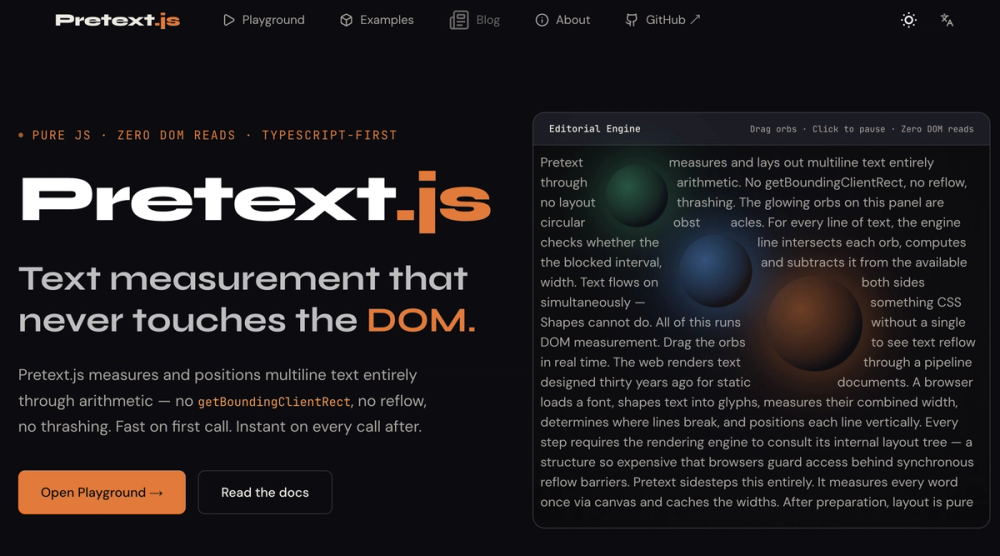
Pretext.js: Revolutionizing Text Measurement with Pure Arithmetic
Pretext.js is a groundbreaking JavaScript and TypeScript library designed to tackle the performance bottlenecks associated with traditional DOM-based text measurement. Developed by Cheng Lou, a former core team member of React, Pretext.js offers a radically different approach: measuring and positioning text entirely through mathematical calculations, completely bypassing the DOM. This innovative method eliminates the performance penalties of getBoundingClientRect(), forced synchronous reflow, and layout thrashing, making it exceptionally fast, especially for text-heavy applications.
The Problem with Traditional Text Measurement
In conventional web development, determining the dimensions of text often involves creating temporary DOM elements, appending them to the document, reading their properties (like getBoundingClientRect().height), and then removing them. Each of these operations triggers browser layout calculations, a process known as forced synchronous reflow. This is one of the most computationally expensive tasks a browser can perform. When executed repeatedly, such as in a loop for virtual scrolling lists or dynamic content updates, it leads to layout thrashing. The browser is forced to constantly switch between executing JavaScript and performing layout calculations, severely degrading performance and leading to janky user experiences, even on powerful hardware.
The core issue is that most of the time, developers only need a numerical value – the height of a text block given a specific width. The necessity of interacting with the DOM for such a simple query is an inefficiency that Pretext.js aims to eliminate.
How Pretext.js Solves the Problem
Pretext.js redefines text measurement by splitting the process into two distinct, highly optimized phases:
- Preparation: This phase involves a one-time setup for a given piece of text and font. You call
prepare(text, font), which segments the text according to Unicode standards and measures each segment's glyph advance width using the browser's native Canvas API (measureText()). This process is typically very fast, taking between 0.1 to 1 millisecond, depending on the text length. The result is an opaque


